Annotastic app icon

Turn any photo, slide, PDF or website into a video lesson.

Just draw and talk.

Coming soon to iPad & Mac · Apple Pencil · Draw it. Say it. Ship it.

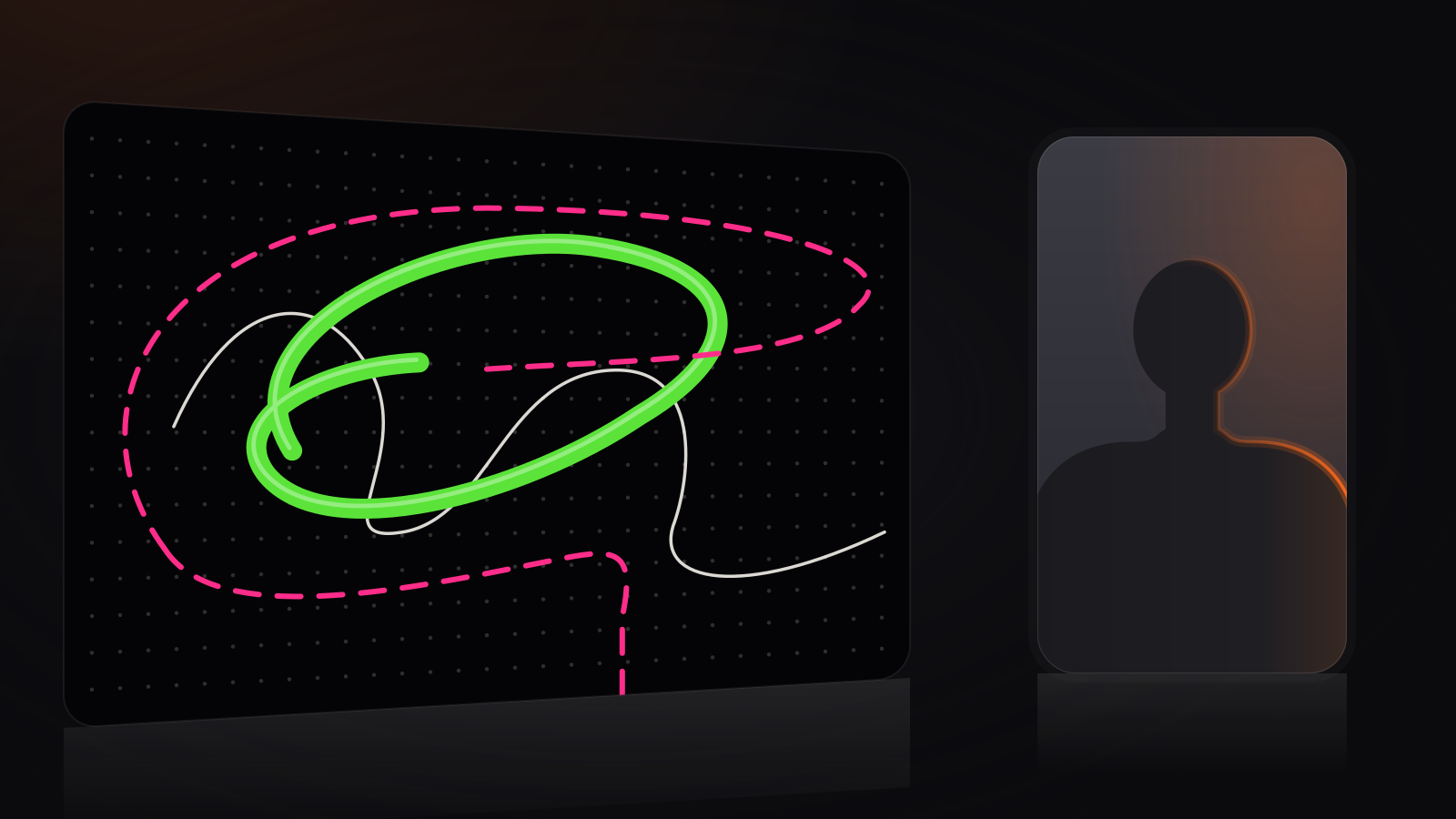
Illustration of an Annotastic export: a dark stage with a floating dotted canvas card, a glowing green loop and a pink dashed outline drawn over a white squiggle, and the presenter as a simple silhouette in a smaller card beside it
The export look. Dark stage, floating cards, neon ink.
The exportWhat it looks like

The fastest way to explain something visually.

Every lesson comes out as a polished 2.5D video: dark stage, floating rounded cards, soft shadows, neon ink, and a selfie camera that adapts to the moment.
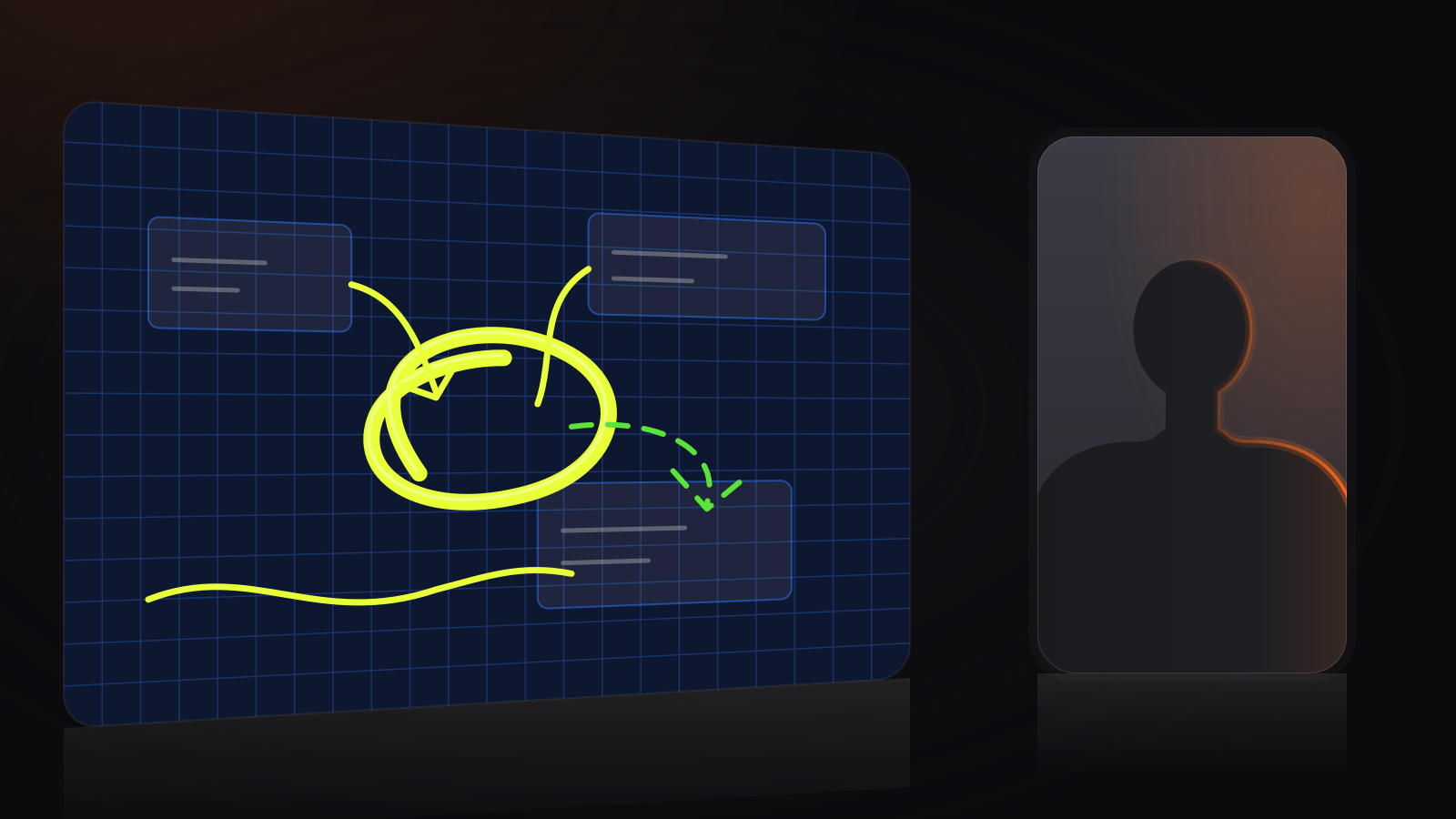

Illustration of a Brainstorm canvas export: a deep blue grid card with three note tiles, a glowing lime loop and strokes linking them, a green dashed arrow, and the presenter silhouette in a card to the right
Brainstorm canvas Think out loud. Draw as you go.
Illustration of a website export: a white mock web page card with a header bar, title and image blocks, a yellow dashed loop drawn around the title, and the presenter silhouette card enlarged beside it
Any website Circle it, say it, done. The camera moves in when you talk.
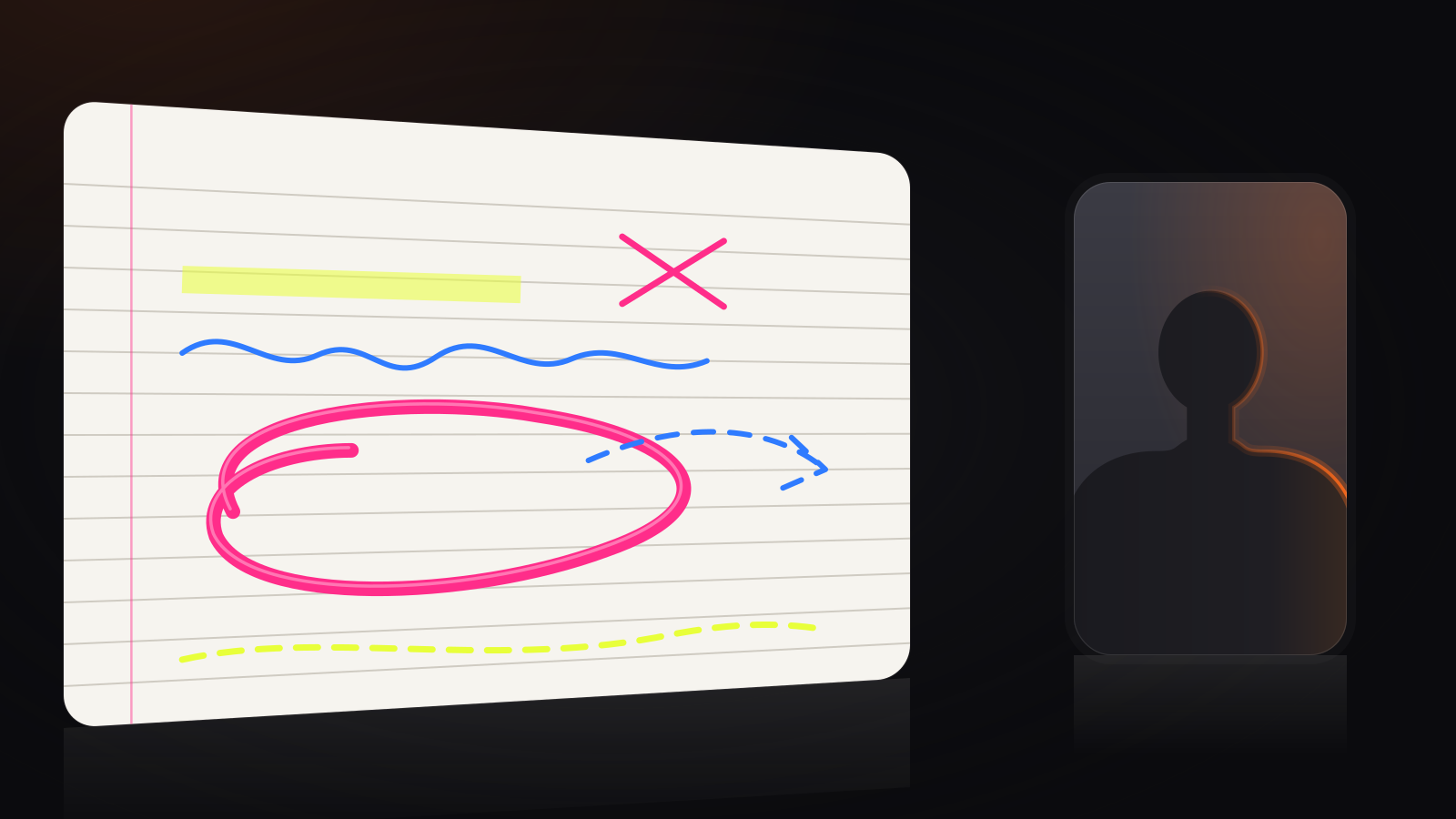
Illustration of a Scratchpad export: a lined paper card with a pink loop, a lime highlighter sweep, a blue wavy line, dashed strokes and a pink cross, the presenter silhouette in a small card
Scratchpad Neon pens, dashed pens, highlighters.
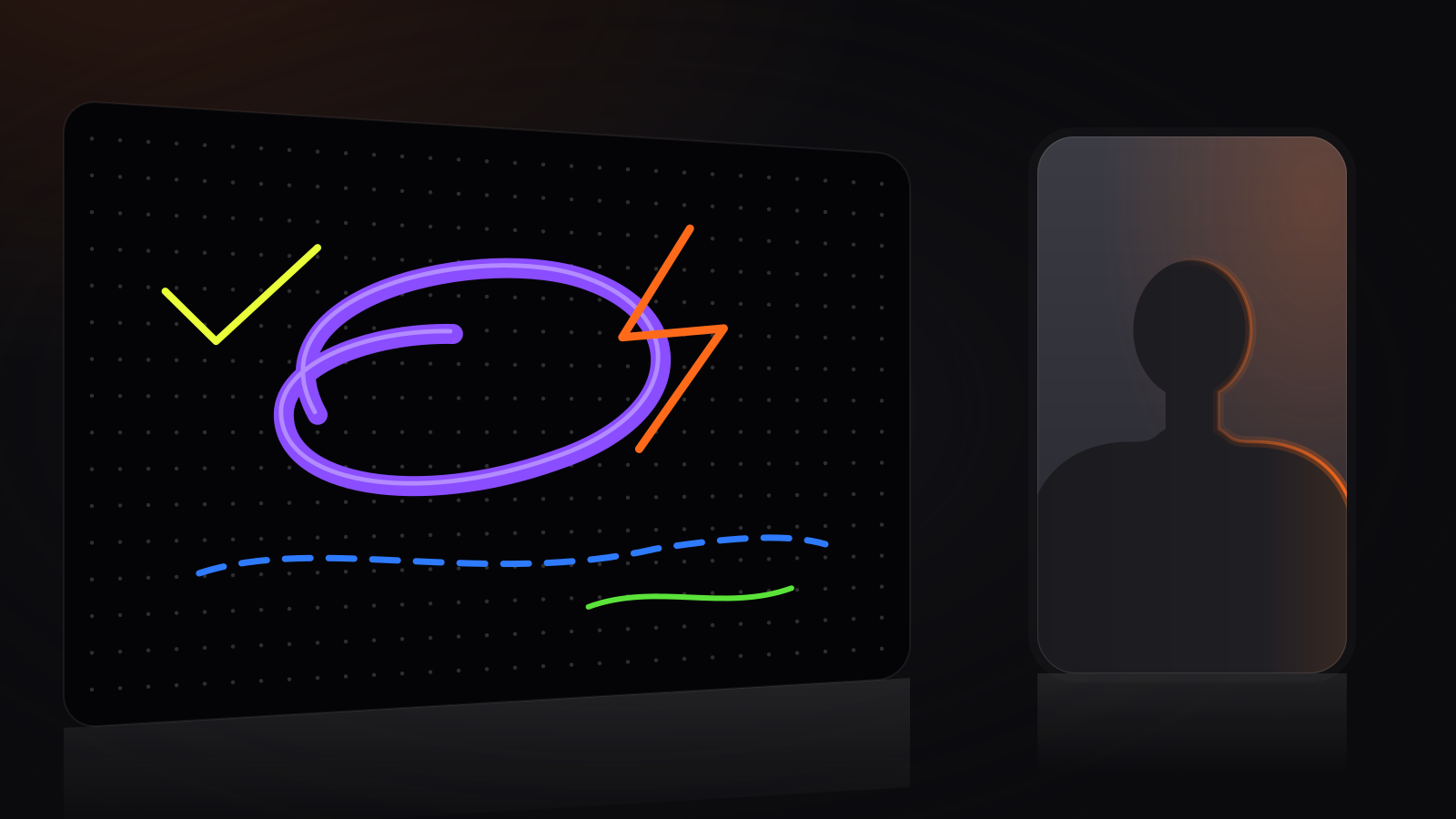
Illustration of a dark canvas export: a glowing violet loop, an orange bolt, a blue dashed underline and a lime tick on a dotted black card
Dark canvas Ink that glows on the stage.
9 thingsFeatures

Built for explaining.

Real tools from the app, nothing padded.

Draw with Apple Pencil on anything

Photos, slides, PDFs, websites and Brainstorm canvases. If it's on the screen, you can draw on it.

Neon pens & highlighters

Pink, lime, blue, violet, green and orange ink that glows on the dark stage. Solid, dashed, or wide and soft.

Private Prompter

Your notes, on the iPad, scrolling as you go. Only you see it. It never ends up in the video.

Scratchpad

A blank page one tap away, for the quick sketch that makes it click.

Brainstorm canvas

An open canvas for when there is no slide yet. Think out loud and draw as you go.

Import PDF, PowerPoint, Keynote, Word

Bring the deck or the document you already have. No rebuilding.

Studio-quality 2.5D export

Dark stage, floating cards, soft shadows. An adaptive camera moves your selfie card in when you talk and out when you draw.

iPad + Mac, pair once

Draw on the iPad. The Mac records and exports. Pair them once and they find each other.

Encrypted connection option

Keep the link between iPad and Mac private when you want it to be. Flip it on.

3 stepsHow it works

Draw it. Say it. Ship it.

01

Draw it

Open a photo, slide, PDF or website on your iPad. Draw on it with Apple Pencil, or start on a Brainstorm canvas.

iPadApple Pencil
02

Say it

Talk it through. Your notes scroll in the private Prompter, and the Scratchpad is there for the detour.

PrompterScratchpad
03

Ship it

The Mac records everything and exports a polished 2.5D video lesson with an adaptive selfie camera. Send it.

Mac2.5D export

Your lessons stay on your devices. The iPad and the Mac talk to each other directly, and nothing goes through our servers.

iPad + MacPair once

Draw on the iPad. Record on the Mac.

iPad: Apple Pencil drawing, the private Prompter, the Scratchpad and the Brainstorm canvas.
Mac: records the lesson and exports the polished 2.5D video with the adaptive selfie camera.
Between them: pair once. Turn on the encrypted connection option if you want it.
Who does whatiPad · Mac
Apple Pencil drawingiPad
Private PrompteriPad
ScratchpadiPad
Brainstorm canvasiPad
RecordingMac
2.5D exportMac
Adaptive selfie cameraMac
Encrypted connectionOption
18 jobsMade for

Made for anyone who has to explain.

If you have ever pointed at a screen and said “this bit, here”, this is for you.

TeachersLessons your students actually watch.
CreatorsTutorials that look pro without the editing.
Coaches & photographersShow them exactly what you mean.
TutorsExplain it once. Share it forever.
Sports coachesDraw the play. Win the game.
DesignersFeedback they can see, not just read.
Architects & buildersMark up the plan, walk them through it.
Real estate agentsTour the floor plan without the drive.
Doctors & physiosShow patients what's really going on.
LawyersWalk clients through the fine print.
Sales & foundersPitch decks that explain themselves.
Managers & team leadsSkip the meeting. Send the walkthrough.
Engineers & developersCode reviews you can watch.
StudentsStudy notes that talk back.
Music teachersMark the score, play the part.
Cooks & makersRecipes and builds, step by step.
Support teamsAnswers customers actually understand.
Parents & homeschoolHomework help, recorded once.
Coming sooniPadMac

Coming soon to iPad & Mac

Coming soon to iPad & Mac. Leave your email and we'll tell you the day it ships. Nothing else, ever.

Opens your mail app with a one-line note to apps@ferdi.com.au. Hit send, you're on the list.

Draw onAnything

Photos
Slides
PDFs
Websites
Brainstorm canvas
FAQ5 questions

Questions.

What can I draw on?

Photos, slides, PDFs and websites, plus a blank Brainstorm canvas and a Scratchpad. Import PDF, PowerPoint, Keynote and Word files directly.

Do I need both an iPad and a Mac?

The iPad is where you draw, with Apple Pencil. The Mac records the lesson and exports the 2.5D video. You pair them once.

Can anyone see my Prompter notes?

No. The Prompter is private: it shows on your iPad, only you see it, and it is not part of the recording.

What does the export look like?

A dark stage with floating rounded cards, soft shadows and neon ink, with an adaptive selfie camera. The pictures on this page are illustrations of that look.

When can I get it?

Soon, on iPad and Mac. Leave your email above and we'll tell you the day it ships.

Notify me